A phoenix raising gorgeous books from the ashes of your manuscript

Beautiful ebooks and paperbacks, on your own computer.
$99Launch priceWindows · Mac coming soon
 Free launch offer · Claude & ChatGPT
Every morning, Inbox Selkie tells you what’s on your calendar, what you earned yesterday, and which emails actually need you, with the rest sorted for later. Use it in your own Claude or ChatGPT, with the included browser action board. Your chosen AI and connection providers process your email; it does not pass through The Author’s Bestiary.
Give your inbox the seal of approval.
Get it free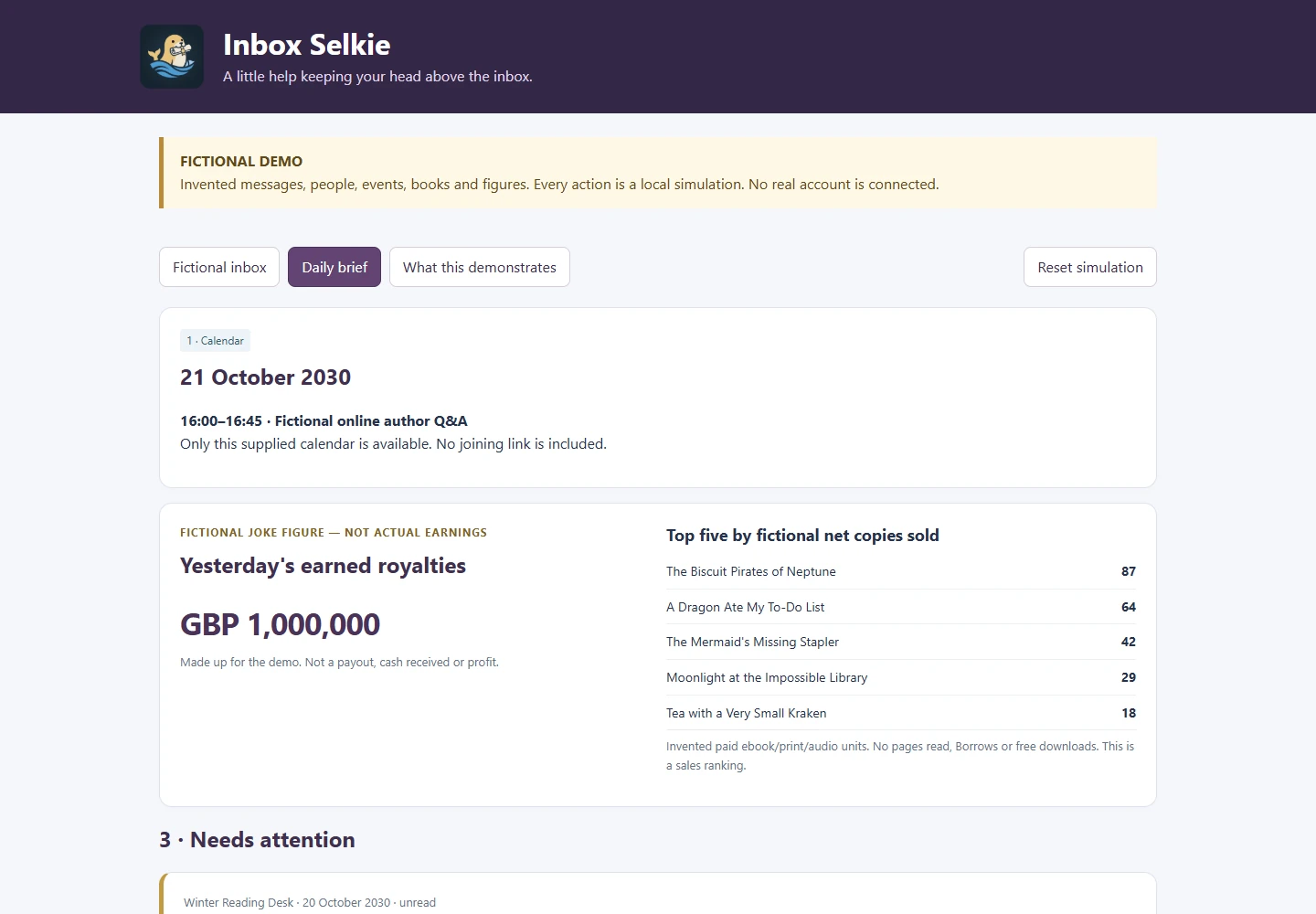
What’s on, and anything you need to prepare for it.
Straight from PublisherChamp, if you use it: earned, not paid out.
Anything that needs an answer or an action within the next 48 hours.
Sorted and summarised, so you can deal with them when it suits you.
Things you’re waiting for, promises you made, and anything it isn’t sure about.
Now and then, one genuinely interesting article from an author newsletter in your inbox.
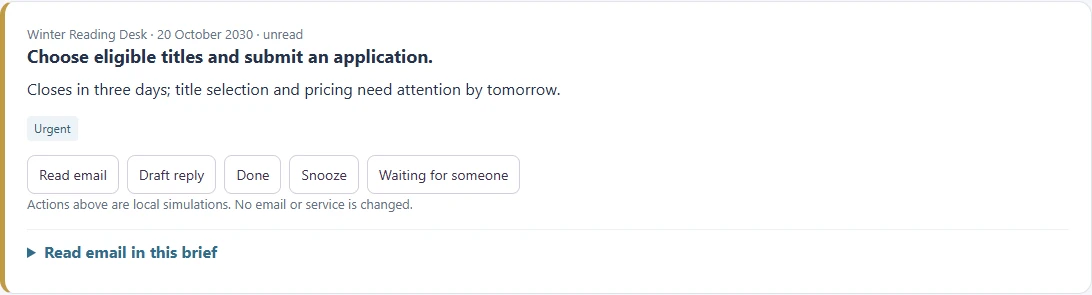
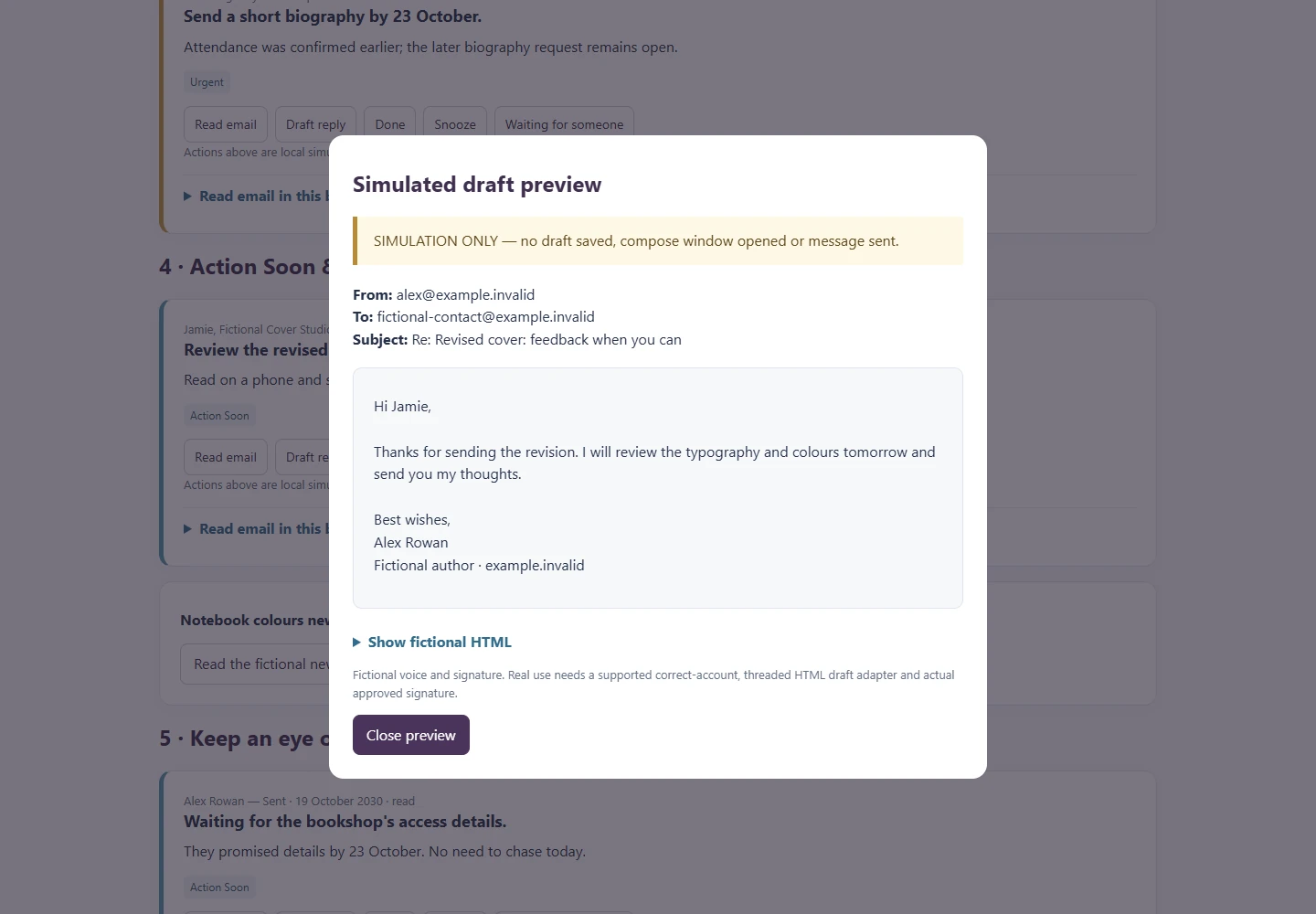
A fictional author’s inbox and the brief Inbox Selkie makes from it. Open the emails, then switch to the daily brief and try snoozing, drafting or ticking things off.
Everything in the demo is invented, and the buttons only change this page: no email is read, drafted or sent. In real use, what Inbox Selkie can do depends on the email and calendar connections in your own AI app. Open the demo full-screen ↗
Join Letters from the Bestiary and download the complete Inbox Selkie kit: AI instructions, a browser action board and a step-by-step setup guide. New creatures, updates and the occasional publishing experiment, author to author. Unsubscribe any time.
* Affiliate link: I earn a small commission at no extra cost to you.
Already using Inbox Selkie? Ask it “Which version of Inbox Selkie is this?”. To update, download it again and swap it in: Download and extract the complete kit. Replace the skill in your AI app and start a new chat. Before replacing the board, export state; import it into the new board. See the included Getting started guide. Update notices will use the newsletter; installed copies do not update themselves. You can also ask the skill to check for a newer version when web access is available.
Claude with Skills and code execution enabled, or a ChatGPT Project. Download the complete kit on a computer: it includes the AI instructions, browser action board and setup guide. Available connections depend on your AI account.
Your emails do not pass through The Author’s Bestiary. Your chosen AI and connection providers process the information you give them under their own terms and privacy settings.
The included browser buttons save task choices only. Drafting, filing or calendar changes need a separately supported connection and your authorization. It does not send or delete messages automatically.
Whatever your AI app can connect to, for example Gmail, Google Calendar or Outlook. No connections? You can paste in a few emails and appointments instead.
No. Royalties are optional. Use a supported reporting connection, such as PublisherChamp, or leave that section out. Everything else works without it.
Yes, as our launch offer. Sign up for Letters from the Bestiary and it’s yours to keep. Unsubscribe any time; you keep Inbox Selkie.
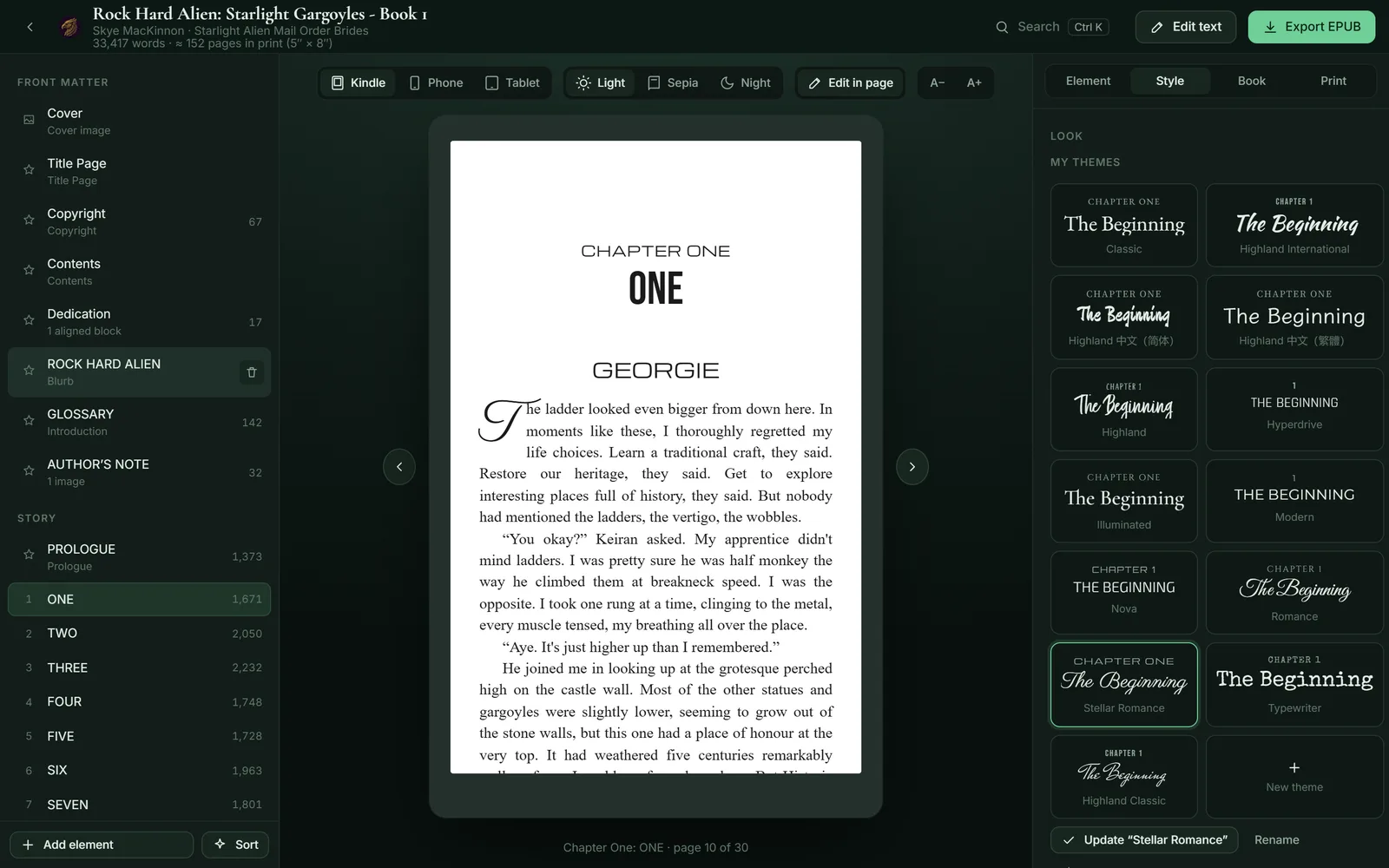
Beautiful ebooks and paperbacks, on your own computer.
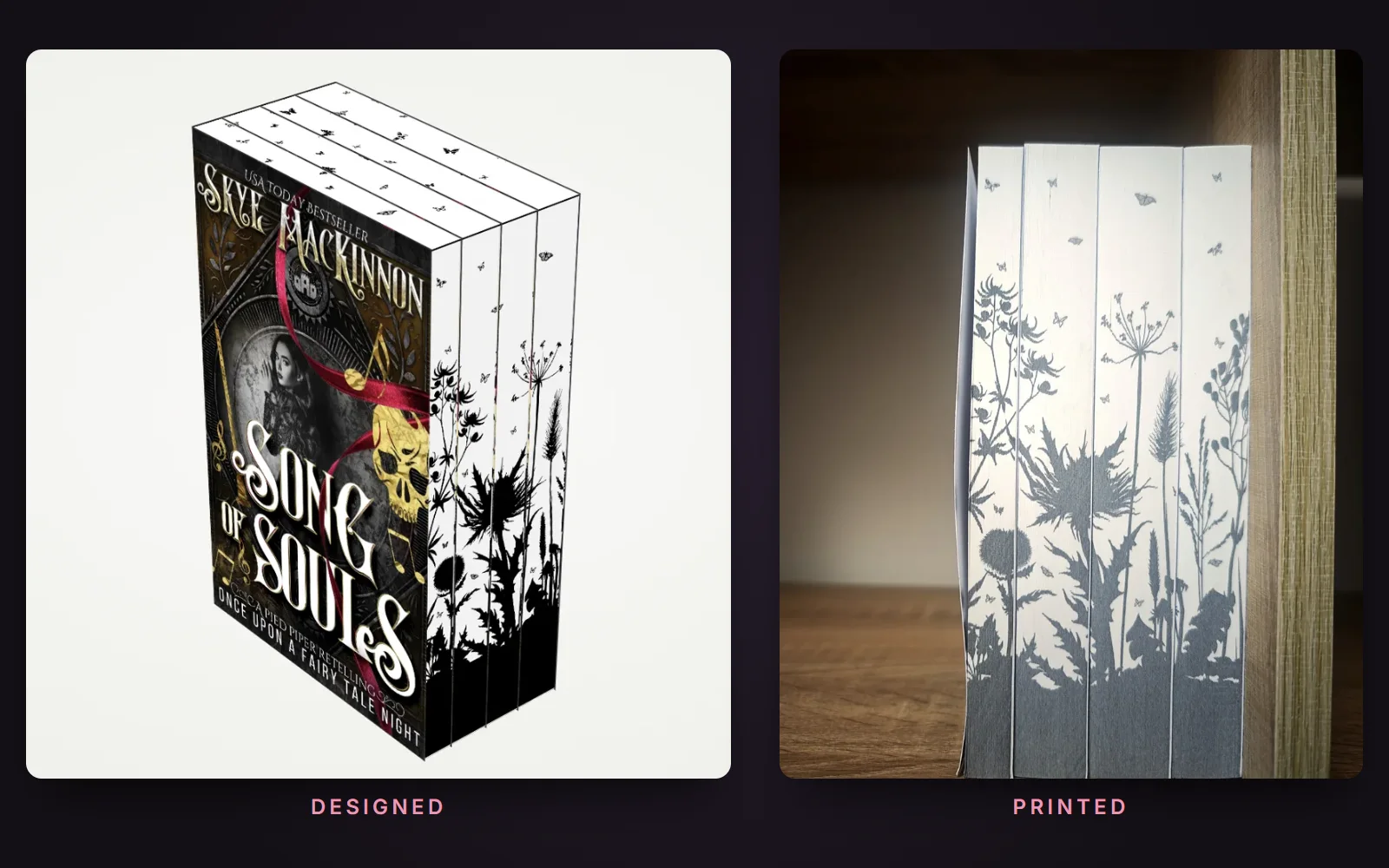
Print-on-demand books with art on the page edges.
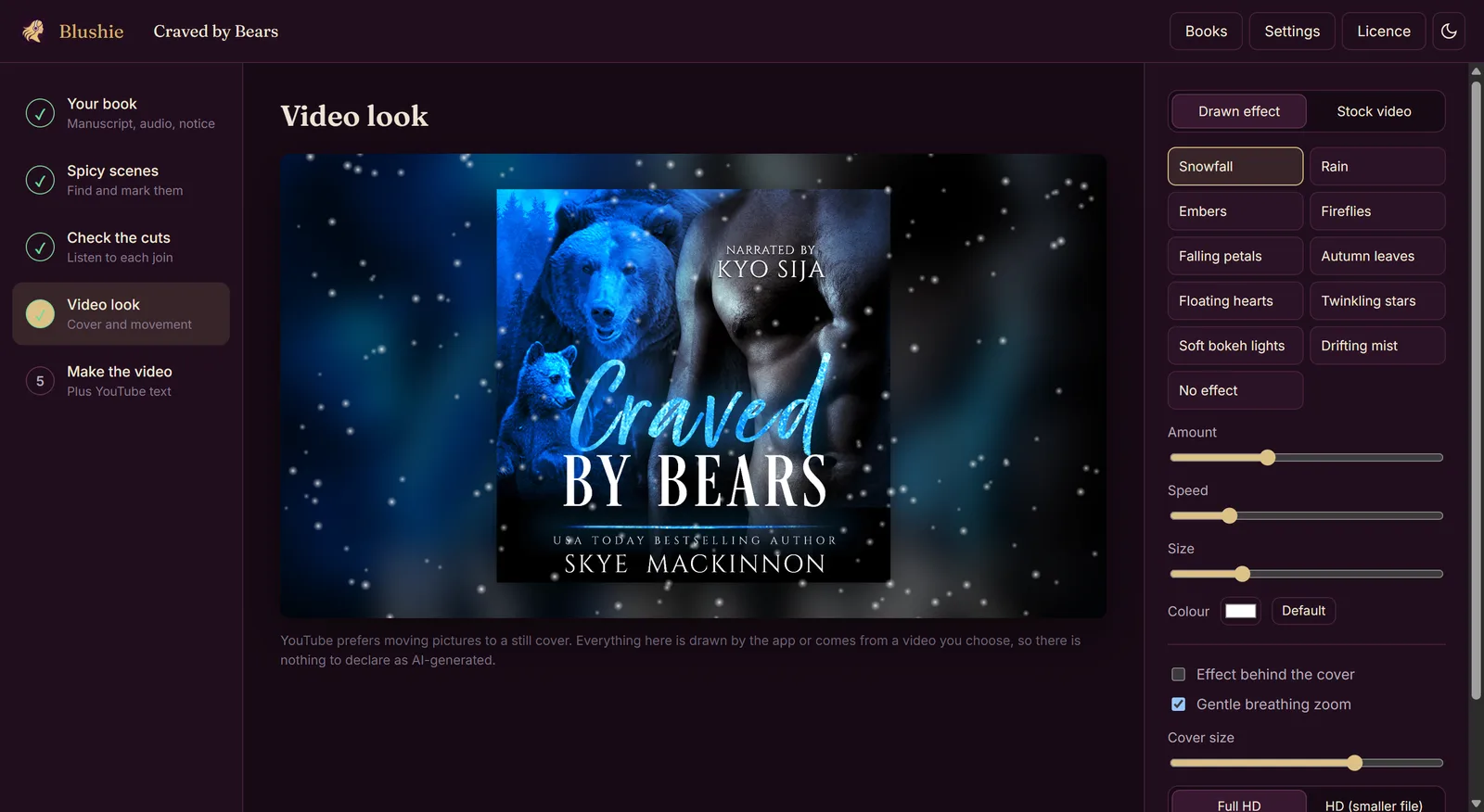
Your audiobook on YouTube, with the spicy scenes left out.